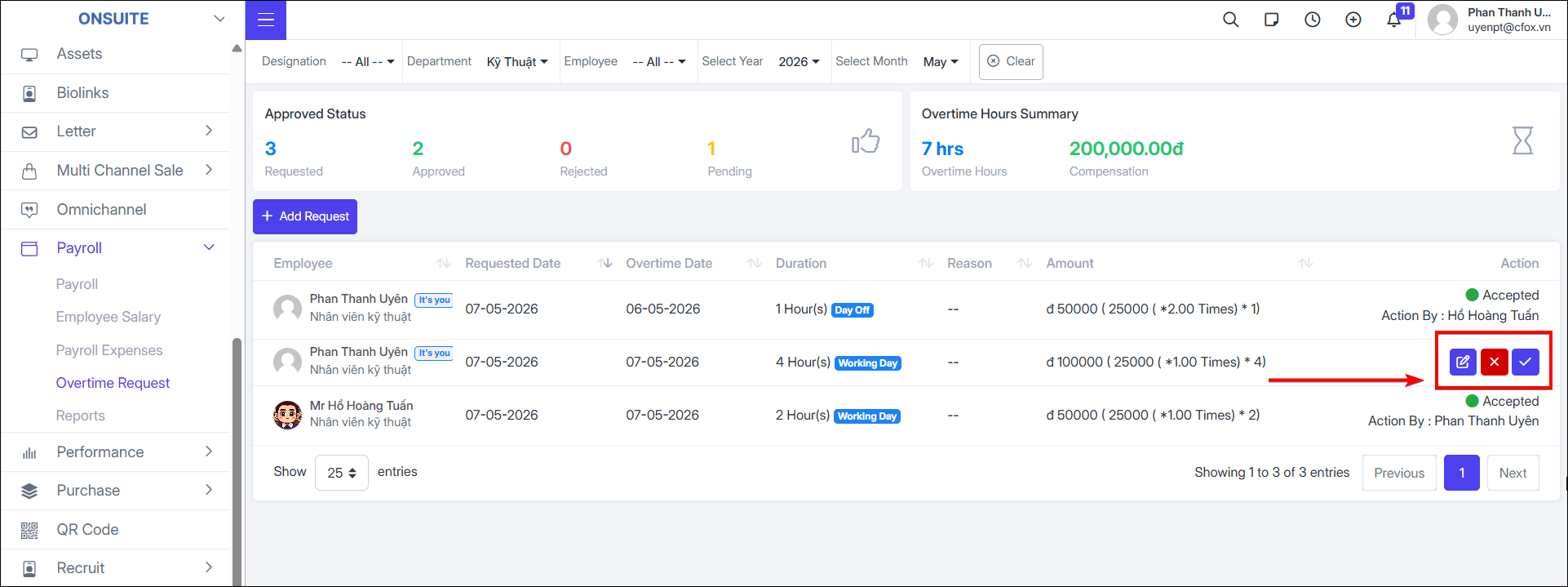
5.4. Overtime Requests
- Go to HR → Overtime Requests → Manage employee overtime requests
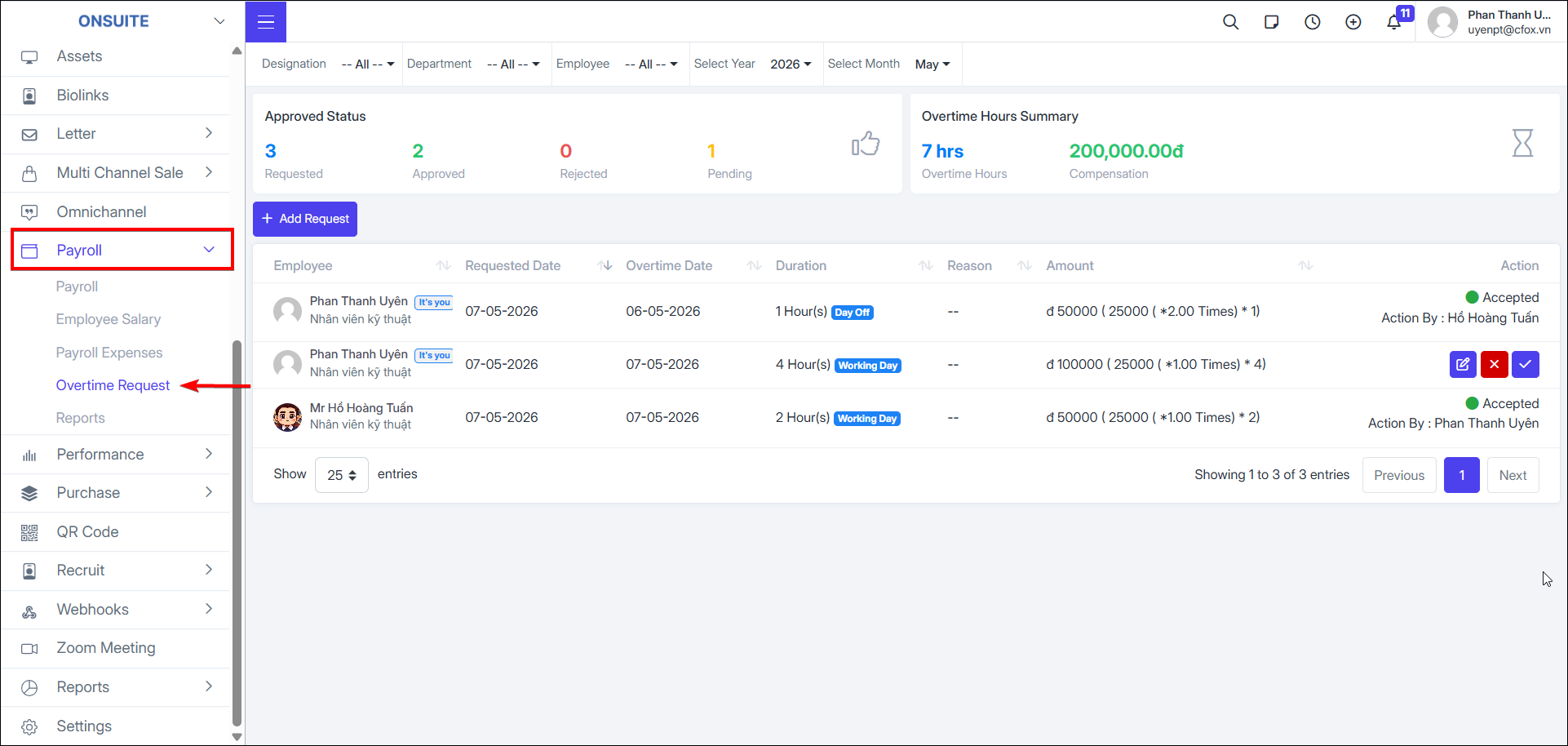
-
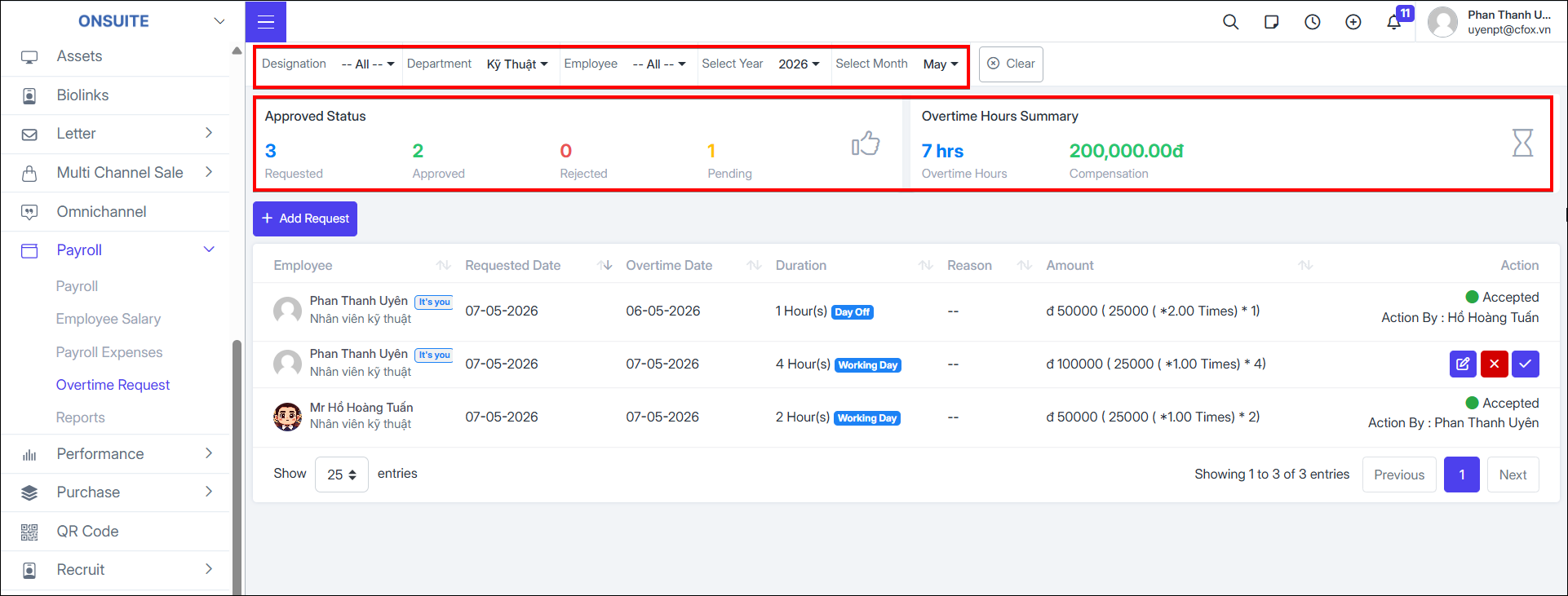
Displays visual statistics of overtime request quantities
-
Can filter by designation, department, employee, time
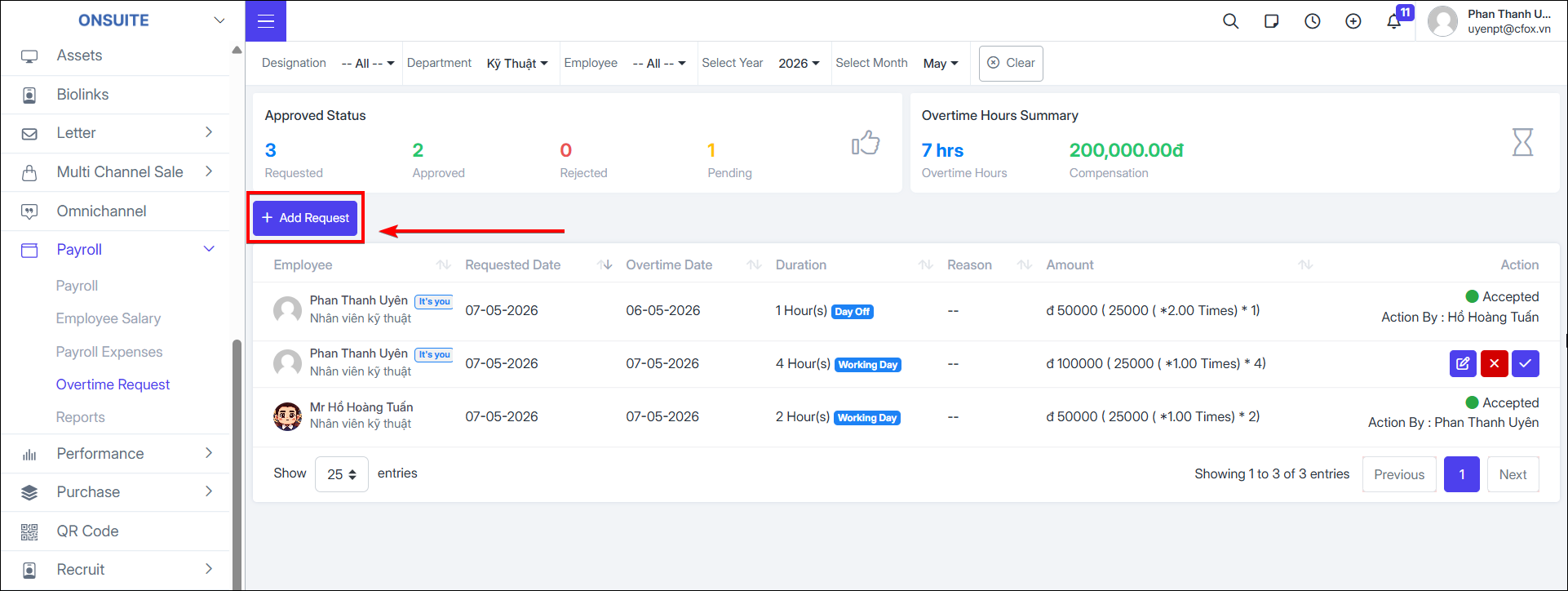
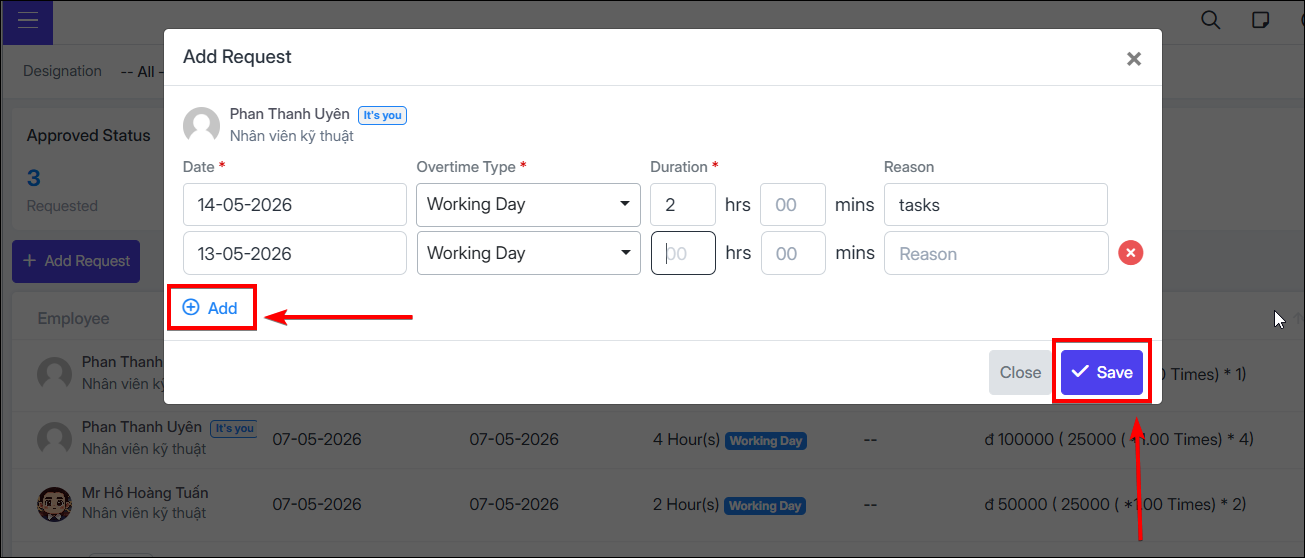
Add Overtime Request:
- Step 1: Select Add Request
-
Step 2: Select overtime date
-
Step 3: Select overtime type
-
Step 4: Enter overtime hours and reason
-
Step 5: Select to add request for multiple dates (if any)

-
Step 6: Select to complete overtime request creation

- Can Edit, Reject, or Approve overtime requests for each ticket